WordPress Training

This WordPress training program is designed to help you build real, functional websites from scratch—not just play around with themes and templates.


You’ll learn how to create, customize, and manage websites using WordPress, while also understanding the practical side of building sites for clients, businesses, or personal use.

Why Choose Cycronet?

Expert-Led Training

Industry Experience

Industry Relevent Curriculum

Hands-On Projects

LMS Access

Comprehensive Tools and Technologies

professional certifications

Career Support

TRAINING PATH

  • What WordPress is and how it works
  • Installing WordPress (local + live server)
  • Dashboard, settings, and site structure
  • Domain & hosting basics
  • Installing themes and plugins
  • Site setup and configuration
  • Working with free & premium themes
  • Customizing layouts, colors, fonts
  • Using page builders (Elementor / Gutenberg)
  • Installing and managing plugins
  • Contact forms, SEO tools, security plugins
  • Performance optimization tools
  • Creating pages and blog posts
  • Media management (images, videos)
  • Menu creation and navigation
  • Setting up an online store
  • Product listing and management
  • Payment gateway integration
  • Order handling
  • On-page SEO basics
  • Speed optimization techniques
  • Mobile responsiveness
  • Launching websites on hosting
  • Domain linking
  • Ongoing site management

SKILLS COVERED

WordPress Installation

Layout Design & UI Structuring

Mobile Responsiveness Design

Website Setup & Configuration

Plugin Installation & Management

Menu & Navigation Creation

Domain & Hosting

Contact Form Setup

Blog & Content Management

WordPress Dashboard Navigation

SEO Basics

Media Library Management

Theme Installation & Customization

Website Speed Optimization

WooCommerce Setup

Page Builders

Image Optimization

Payment Gateway Integration

Industry Projects

Business Portfolio Website

A professional website for a business or individual to showcase services, portfolio, and contact information.

    Key Components

  • Homepage with service sections
  • About & portfolio pages
  • Contact form integration
  • Responsive design

   Technologies   WordPress, Elementor / Gutenberg, Contact Form Plugin

   Outcome    Learn website structure and layout design, Build a real client-ready website, Understand user experience basics

Blog / Content Publishing Website

A dynamic blog platform where users can publish, manage, and organize articles.

   Key Components

  • Blog post creation & categories
  • SEO-friendly structure
  • Comment system
  • Media management

   Technologies     WordPress, Gutenberg Editor, SEO Plugins (Yoast / Rank Math)

   Outcome    Understand content management systems, Learn SEO basics for visibility, Manage dynamic content     effectively

E-Commerce Store

An online store for selling products with full shopping and payment functionality.

   Key Components

  • Product listing & categories
  • Cart & checkout system
  • Payment gateway integration
  • Order management

   Technologies Used    WordPress, WooCommerce, Payment Gateway Plugins

   Outcome    Build a fully functional online store, Understand e-commerce workflows, Learn real business use cases

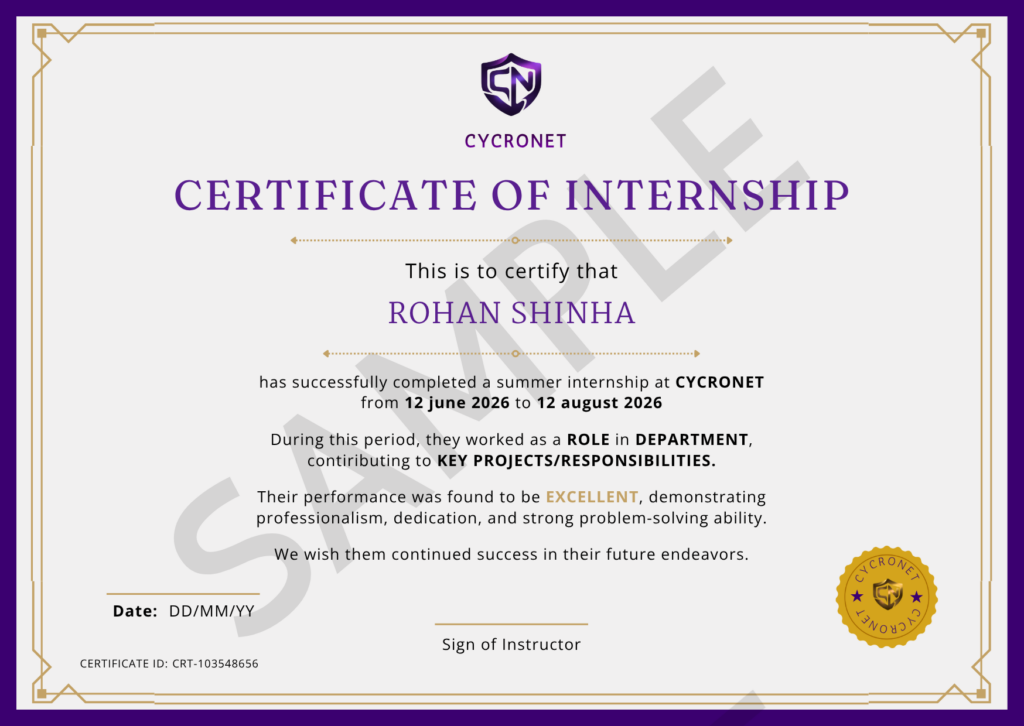
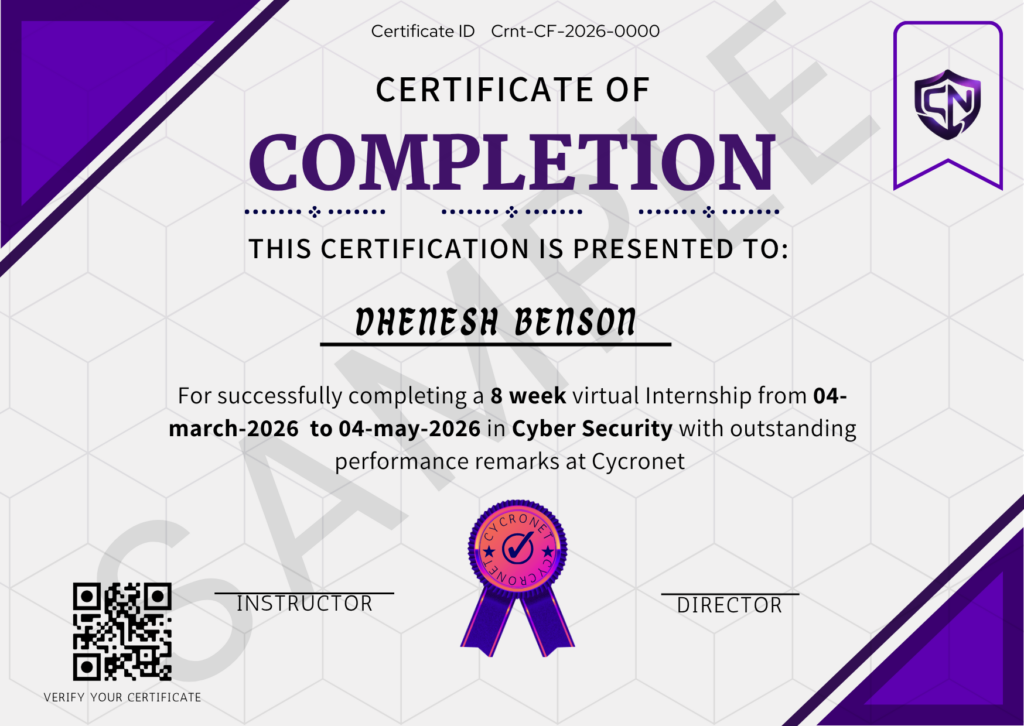
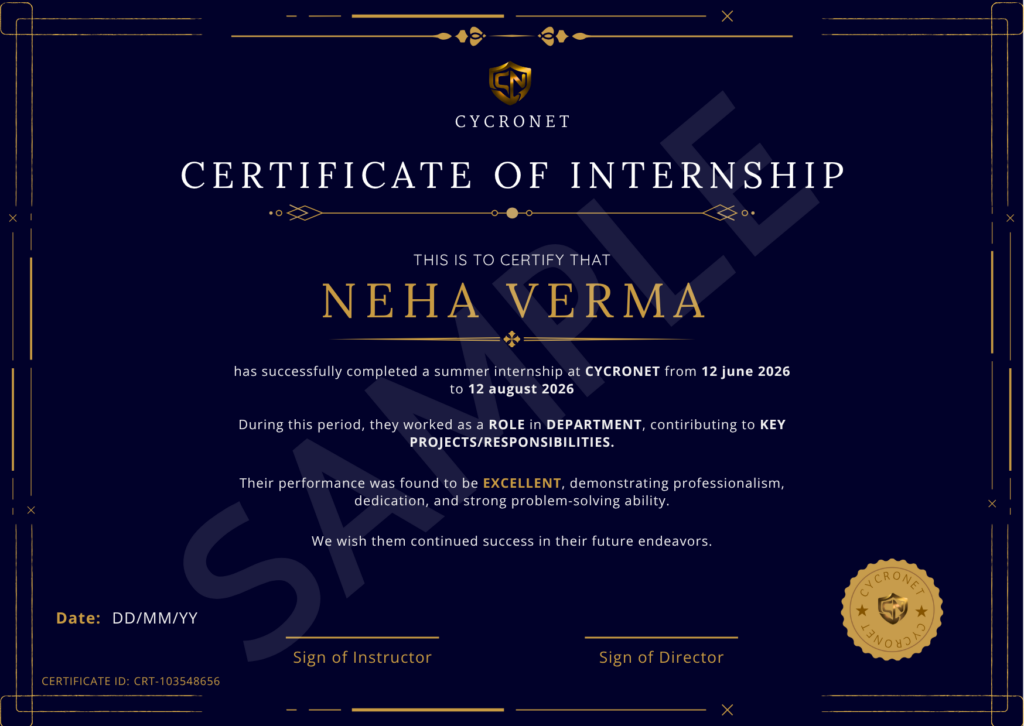
CERTIFICATIONS

Pricing plan

Starter

( Project-Based )

 ₹ 499

Features
 Real-world project tasks
No lectures or tutorials
 Self-paced execution
• Certificate after completion
Tag us to verify your work 

Pro

( Recorded + Projects)

 ₹ 999

Features
Recorded lectures
 Step-by-step project tutorials
Learn + build simultaneously
 Flexible schedule
 Certificate included

Premium

( Live + Mentorship )

 ₹ 2,499

Features
Live interactive classes
 Full recorded access
Doubtsolving  
 Guided project building
 Strong portfolio + certificate

Companies Hire these skills

Frequently Asked Questions

This course is for beginners, students, freelancers, and business owners who want to build and manage websites using WordPress.

No. You can build websites without coding.
But if you learn basic HTML/CSS, you’ll have much more control and flexibility.

You’ll be able to create:

  • Business websites
  • Blogs
  • Portfolio sites
  • E-commerce stores (using WooCommerce)
  • Landing pages

Typically 1–2 months depending on your pace.
But mastering it takes longer—practice matters.

No.
WordPress makes you a website builder. To become a developer, you’ll need deeper coding skills (PHP, JavaScript, etc.).

WordPress, Elementor/Gutenberg, WooCommerce, SEO plugins, hosting platforms, and basic HTML/CSS.