UI/UX Training
The UI/UX Training Program is a comprehensive, hands-on course designed to teach participants the essential skills required to design user-friendly and visually appealing digital experiences. It covers key topics such as user research, wireframing, prototyping, interaction design, visual design principles, and usability testing. Participants will learn to create intuitive user interfaces and enhance user experiences using design tools like Figma, Adobe XD, Sketch, and InVision.
Ideal for aspiring UI/UX designers, graphic designers, and product developers, this program offers flexible learning options, expert mentorship, and an industry-recognized certification. By the end of the course, participants will be equipped to design seamless user interfaces, optimize user experiences, and contribute to the development of innovative digital products.

Why Choose Cycronet?
Expert-Led Training
Industry Experience
Industry Relevent Curriculum
Hands-On Projects
LMS Access
Comprehensive Tools and Technologies
professional certifications
Career Support
TRAINING PATH
Introduction to UI/UX Design
- What is UI/UX Design?
- Difference Between UI (User Interface) and UX (User Experience)
- The Role of a UI/UX Designer in Product Development
- Overview of Design Processes
Understanding Design Principles
- Fundamental Design Principles
- Visual Hierarchy and Typography in UI/UX Design
- Color Theory and its Application in UI Design
- Creating Consistency with Design Systems and Style Guides
User Research and Personas
- Understanding User-Centered Design (UCD)
- Conducting User Research
- Creating User Personas and Empathy Maps
- Understanding User Behavior through Journey Mapping
Wireframing and Prototyping
- Introduction to Wireframes
- Tools for Wireframing
- Creating Interactive Prototypes for User Testing
- Best Practices for Prototyping
Interaction Design and Usability
- Principles of Interaction Design
- Designing for Usability
- Micro-Interactions and Motion Design in UI
- Usability Testing
UI/UX Tools and Design Software
- Overview of Popular UI/UX Design Tools
- Introduction to Design Collaboration Tools
- Using Design Plugins and Libraries for Efficiency
- Best Practices for Version Control and Collaboration in Design
Mobile and Responsive Design
- Basics of Mobile-First Design and Responsive Web Design
- Designing for Different Screen Sizes and Breakpoints
- Optimizing Touch Interactions for Mobile Devices
- Best Practices for Designing Native and Cross-Platform Apps
UX Writing and Accessibility
- The Role of UX Writing
- Designing for Accessibility
- Tools for Accessibility Testing
- Localization and Internationalization in UI/UX Design
SKILLS COVERED
UX Design
Iconography
Design Thinking Principles
Prototyping
UI Design
Persona mapping
Empathy mapping
User-centered design
Low-Fidelity Wireframing
High-Fidelity Wireframing
Microinteractions
Typography
Augmented Reality
Color Theory
Wireframing
Information Architecture
Information and Interaction Design
Rapid Prototyping
Industry Projects
Mobile App Redesign

Redesign the user interface of an existing mobile app to enhance usability, improve aesthetics, and provide a more intuitive experience. Focus on simplifying navigation, optimizing layout, and ensuring consistency across screens.
The key component include
1.User Research and Feedback Analysis.
2.UI/UX Redesign.
3.Feature Optimization.
4.Improved Navigation Flow.
5.Performance Enhancement.
6.Accessibility Improvements.
7.Cross-Platform Compatibility.
8.Integration of Analytics.
Outcome A redesigned mobile application that improves usability, accessibility, and overall user satisfaction. The app will offer a seamless experience, better performance, and an updated look that aligns with modern design trends, ultimately increasing user engagement and retention.
E-Learning Platform Design

Design a user-friendly and visually appealing interface for an online learning platform. Focus on easy program navigation, interactive content, user engagement features (quizzes, discussions), and progress tracking.
The key component include
1.User Registration and Profile Management
2.Course Catalog and Search
3.Interactive Learning Modules
4.Live Classes and Webinars
5.Progress Tracking and Analytics
6.Discussion Forums and Collaboration
7.Certification and Badges
8.Multi-Language Support
9.Admin Panel and Content Management
Outcome A fully functional e-learning platform that offers a personalized, engaging, and scalable learning experience. It enhances knowledge sharing, improves accessibility, and provides valuable analytics for both learners and educators.
Food Delivery Application

Create an intuitive and engaging UI for a food delivery app. Include features such as menu browsing, real-time order tracking, payment options, and easy navigation for users to place orders quickly.
The key component include
1.User Registration and Profile Management
2.Restaurant Search and Filtering
3.Menu Display and Order Customization
4.Real-Time Order Tracking
5.Secure Payment Integration
6.Push Notifications
7.Rating and Review System
8.Admin Dashboard
9.Delivery Partner Module
10.Personalized Recommendations
Outcome A user-friendly food delivery application that bridges the gap between customers and restaurants. The platform enhances convenience, improves customer satisfaction, and provides restaurant owners with valuable insights to optimize their services.
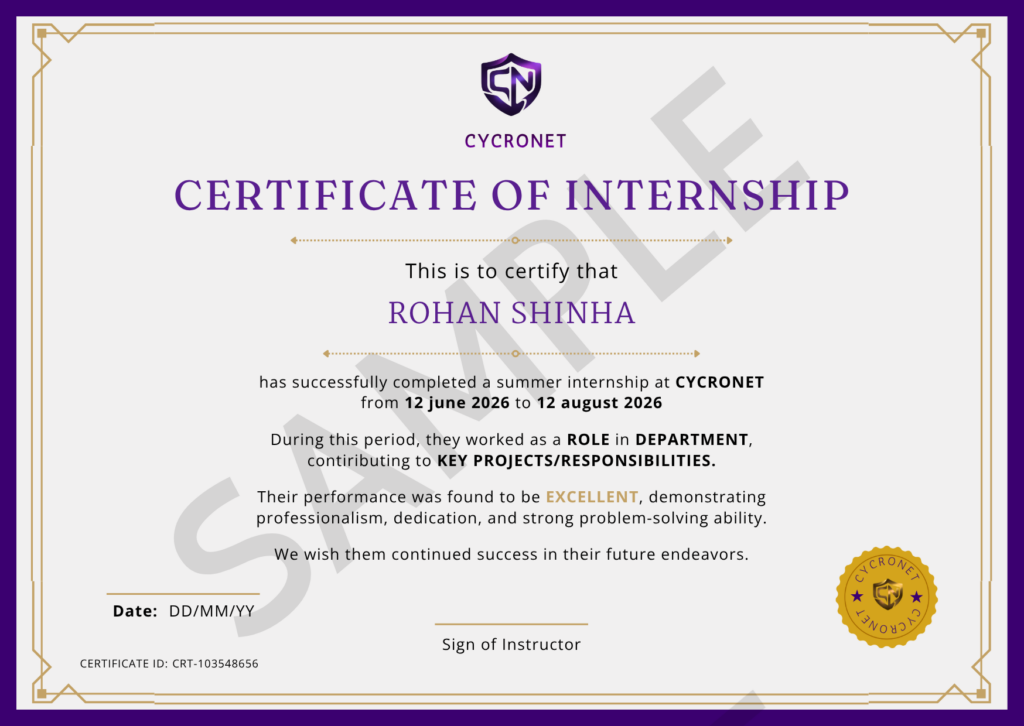
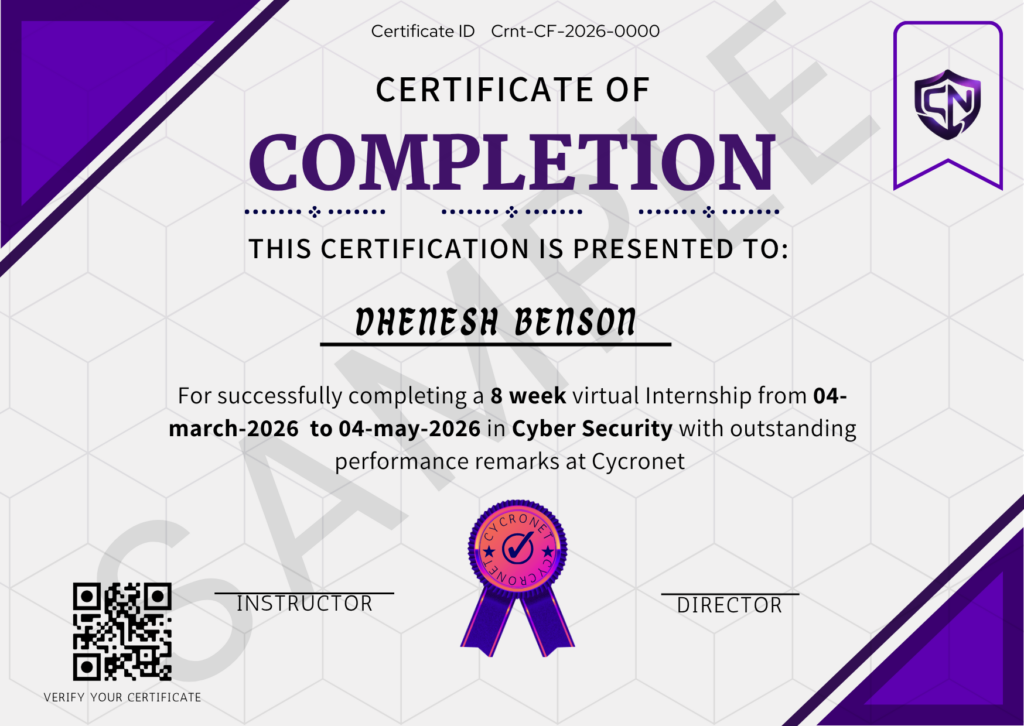
CERTIFICATIONS

Pricing plan
Starter
( Project-Based )
₹ 499
Features
• Real-world project tasks
• No lectures or tutorials
• Self-paced execution
• Certificate after completion
• Tag us to verify your work
Pro
( Recorded + Projects)
₹ 999
Features
• Recorded lectures
• Step-by-step project tutorials
• Learn + build simultaneously
• Flexible schedule
• Certificate included
Premium
( Live + Mentorship )
₹ 2,499
Features
• Live interactive classes
• Full recorded access
• Doubtsolving
• Guided project building
• Strong portfolio + certificate
Companies Hire these skills












Frequently Asked Questions
What is UI/UX Design?
A UI/UX Design program equips individuals with the skills and knowledge required to create user-friendly, visually appealing interfaces and enhance user experiences. It typically covers topics such as user research, wireframing, prototyping, interaction design, usability testing, and tools like Figma, Adobe XD, or Sketch. The program often includes hands-on projects and case studies, preparing learners for careers as UI Designers, UX Designers, or Product Designers.
What does UI/UX designer do?
A UI/UX Designer focuses on designing and improving digital products to ensure they are functional, aesthetically pleasing, and user-friendly. UI Designers create visually appealing interfaces, while UX Designers focus on user research, usability testing, and optimizing user journeys. They collaborate with developers, product managers, and stakeholders to deliver engaging and effective designs. Our UI/UX design training program provides the expertise and practical experience needed to excel in this field.
Who are the instructors for this UI/UX program, and how are they selected?
Our UI/UX design trainers are highly skilled professionals with extensive experience in user interface design, user experience strategies, and interactive design principles. They specialize in creating intuitive, visually appealing, and user-centered designs for web and mobile applications. With a focus on industry-relevant tools and techniques, our trainers bring practical knowledge from real-world projects to the classroom. We ensure that only trainers with outstanding alumni feedback and a strong portfolio of successful design projects remain part of our faculty, providing students with the best learning experience in UI/UX design.
. What will be the career path after completing the UI/UX online?
After completing an online UI/UX design program, career paths include roles such as UI Designer, UX Designer, Interaction Designer, Product Designer, or Visual Designer. With experience, you can progress to senior roles like Lead UX Designer, Design Manager, or UX Strategist. Opportunities are abundant in industries like technology, e-commerce, gaming, healthcare, and digital marketing.
. Which industries use UI/UX the most?
UI/UX design is widely used across industries such as technology, e-commerce, gaming, healthcare, education, and finance. Companies in entertainment, telecommunications, and SaaS also rely heavily on UI/UX designers to create user-friendly digital products. This UI/UX design certification program is ideal for individuals looking to build a career in these high-demand sectors.
How long is the training?
Our Self-paced and Mentor-led training both last for a period of 1-2 months. Our Advanced training last for a period of 4 months.